

Freelancer income में TDS, GST और bank receipts को filing से पहले मिलाएं
Freelancer, consultant, designer, engineer, coach या professional service provider को clients से payment bank में आती है, Form 26AS/AIS में TDS दिखता है और GST invoices अलग total दिखाते हैं। अगर तीनों figures match नहीं हैं तो ITR refund, GST turnover, expense claim और tax payable में confusion हो सकता है। सही रास्ता panic नहीं, बल्कि filing से पहले साफ reconciliation है।
Mismatch कहां-कहां बनता है?
Professional income में mismatch कई practical reasons से बन सकता है।
- Client ने TDS काटा लेकिन payment later आया
- GST invoice raised है लेकिन amount अभी receivable है
- Bank में reimbursement या advance भी credit हो गया
- AIS में gross amount और books में net receipt अलग दिख रही है
- Personal account में client payment आ गई
- Expense bills booked नहीं हैं या incomplete हैं
ITR/GST filing से पहले checklist
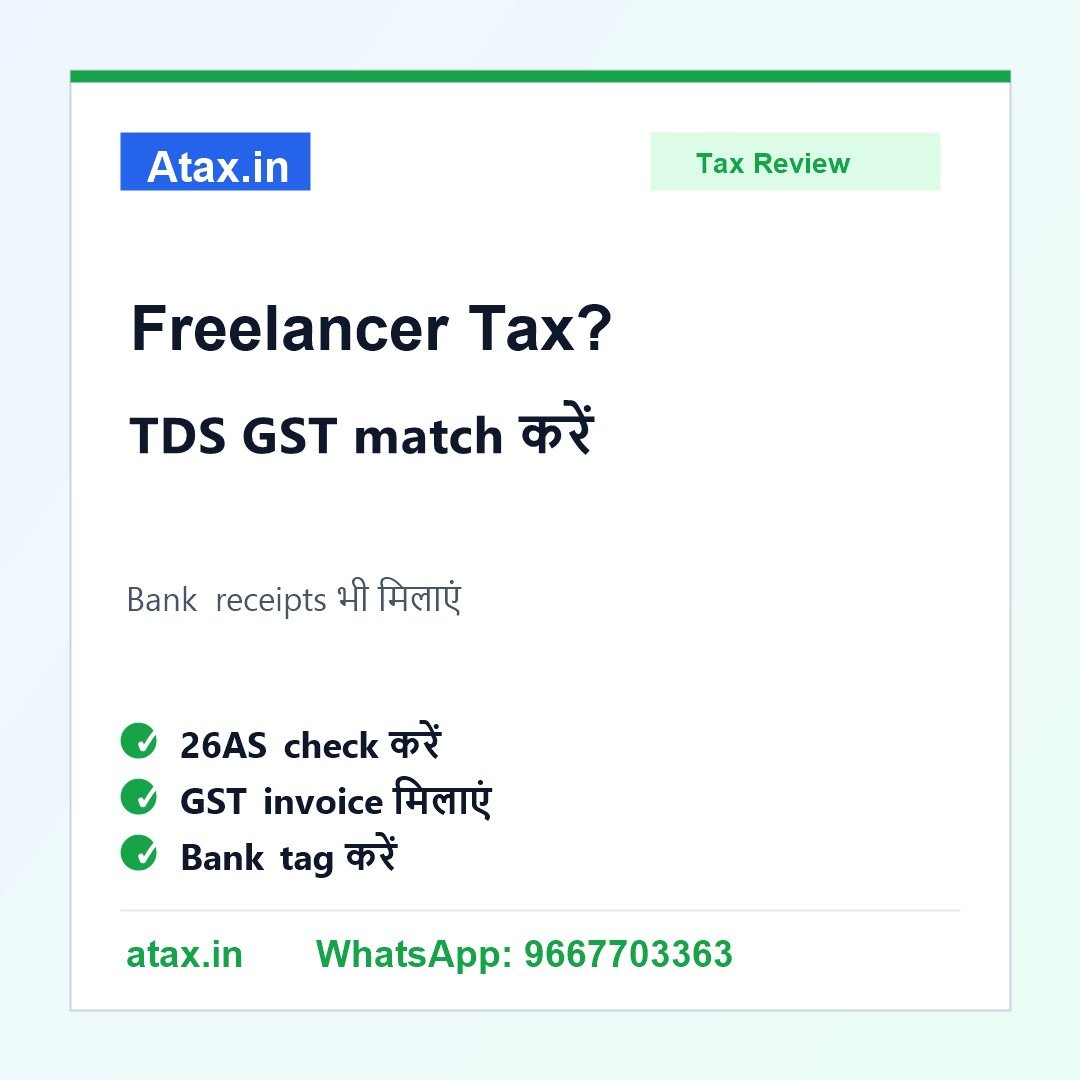
1. Form 26AS और AIS निकालें: Client-wise TDS, gross receipt और section details note करें।
2. GST invoices से compare करें: Taxable value, GST amount और invoice date को bank receipts से मिलाएं।
3. Bank statement tag करें: हर client receipt, refund, reimbursement, personal transfer और loan entry अलग mark करें।
4. Receivable list बनाएं: जो invoice raise हुई पर payment नहीं आई, उसे outstanding receivable में रखें।
5. Expense proof collect करें: Software, internet, rent, travel, professional fee और equipment bills properly रखें।
एक practical example
मान लीजिए consultant ने 12 lakh की invoices raise कीं, bank में 10.80 lakh आया और Form 26AS में 1.20 lakh TDS दिख रहा है। यहां bank receipt कम दिखने का reason TDS deduction हो सकता है। लेकिन अगर GST invoices 14 lakh दिखा रही हैं, तो outstanding invoices या duplicate invoice भी check करनी पड़ेगी। Proper working से ITR income, GST turnover और TDS credit सही बैठते हैं।
कौन सी गलतियां avoid करें?
Bank में आए net amount को ही total income मान लेना, GST invoices ignore करना, AIS/Form 26AS mismatch न देखना, TDS credit गलत claim करना, personal और business account mix रखना, और expenses बिना proof claim करना common mistakes हैं। इनसे refund delay, tax demand या notice query आ सकती है।
Atax office में कैसे help मिलती है?
Atax.in आपकी Form 26AS, AIS/TIS, GST invoices, bank statement, client ledger, expense bills और previous filing देखकर client-wise reconciliation बनाता है। फिर ITR income, GST turnover, TDS credit, receivables और expense claim practical तरीके से clear किए जा सकते हैं।
FAQ
Q1. Bank में net payment आया है, TDS कैसे दिखाएं?
Client-wise gross receipt, TDS और net bank credit को reconcile करना चाहिए ताकि income और TDS credit दोनों सही रहें।
Q2. GST invoice और ITR income अलग हो सकती है?
कुछ cases में timing, receivable और accounting method की वजह से difference हो सकता है, लेकिन working और explanation clear होना चाहिए।
Q3. Personal account में freelancer payment आ गई तो क्या करें?
Entry को identify करके records में सही classify करें। आगे के लिए separate professional/business bank account रखना बेहतर है।
Q4. Atax में क्या लेकर आएं?
Form 26AS, AIS/TIS, GST invoices, bank statement, client payment details, expense bills और previous ITR/GST returns लेकर आएं।