

Refund “Failed” है तो return दोबारा भरने से पहले bank account और reissue status जाँचें
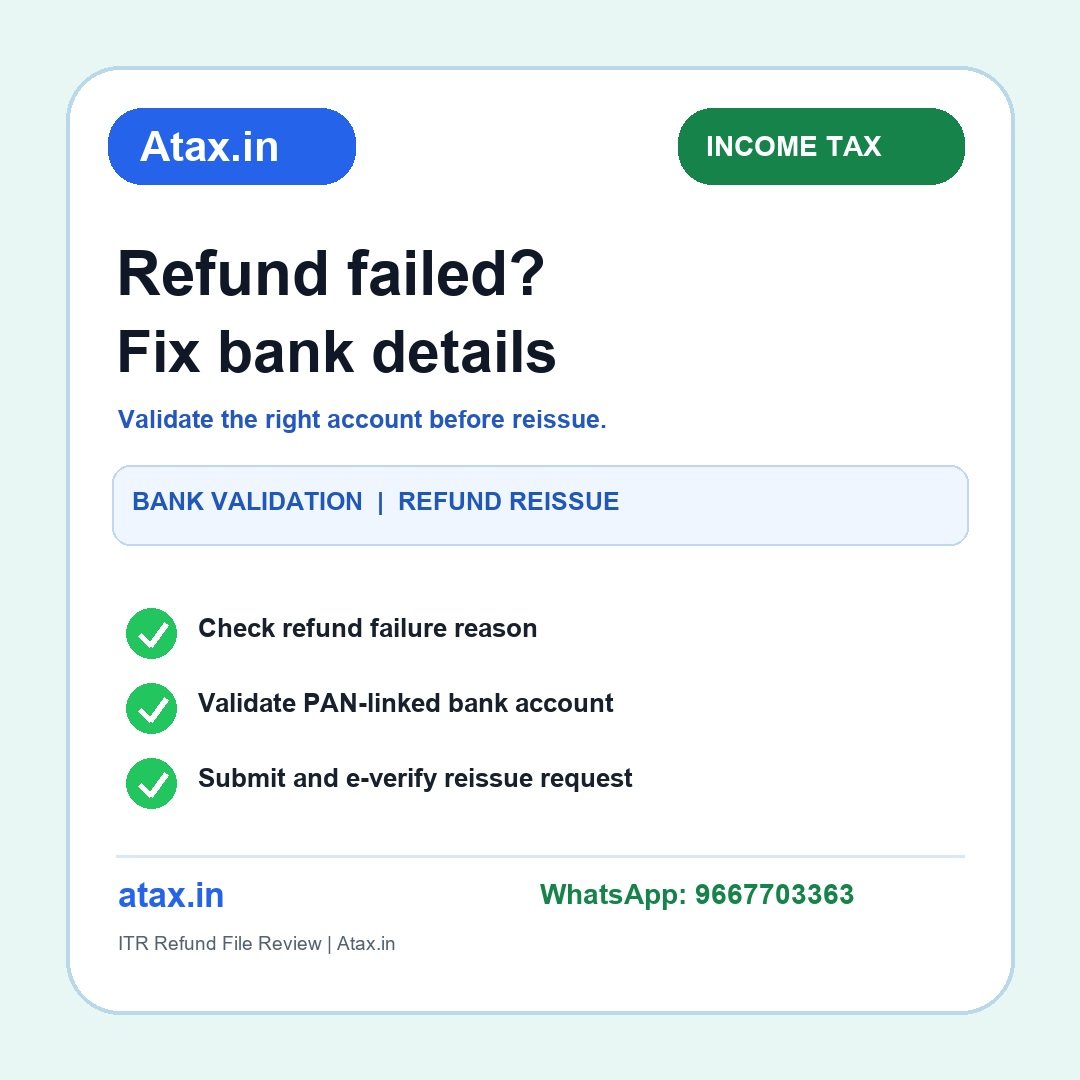
कई taxpayers को ITR processed होने के बाद refund bank में नहीं मिलता। इसका अर्थ यह नहीं कि तुरंत revised return दाखिल करें। पहले portal पर refund का exact status और failure reason देखें। गलत/अमान्य bank details ठीक करके account validate करें, उसे refund के लिए nominate करें, फिर जरूरत हो तभी refund reissue request दें और उसे e-verify करें।
पहले तीन अलग स्थितियाँ पहचानें
- Return अभी process नहीं हुई: refund अभी issue नहीं हुआ; filing/e-verification और processing status देखें।
- Refund issued लेकिन failed/returned है: bank response और portal पर दिखा कारण देखकर account details सुधारें और reissue प्रक्रिया करें।
- Refund किसी demand में adjust हुआ: यह failed bank credit से अलग मामला है; intimation, adjustment notice और response window review करें।
सिर्फ “refund नहीं आया” सुनकर request न दोहराएँ। Official portal पर उपलब्ध status ही अगला कदम तय करेगा।
Refund reissue से पहले bank account checklist
- e-Filing portal में Refund Status या संबंधित return record खोलकर failed/returned status और reason नोट करें।
- जिस account में रकम चाहिए, उसके account number और IFSC को bank statement/cancelled cheque से दोबारा मिलाएँ। बंद account, गलत IFSC, dormant account या नाम/PAN mismatch की संभावना देखें।
- Portal की My Bank Account सुविधा में account जोड़ें/सुधारें और validation status पूरा होने दें। केवल account जोड़ना पर्याप्त नहीं; status validated होना चाहिए।
- Validated account पर Nominate for Refund विकल्प enable है या नहीं, यह confirm करें। Refund destination उसी account को चुनें जिसे आपने validate और nominate किया है।
- Refund reissue request में सही failed refund record चुनें। नया validated account चुनकर request आगे बढ़ाएँ।
- Portal जो e-Verification method दे, उससे request verify करें। Transaction ID/acknowledgement सुरक्षित रखें और बाद में request status track करें।
उदाहरण: account बंद है, पर ITR सही है
मान लीजिए return में refund ₹18,400 बना और return process हो गई, पर पुराने salary account के बंद होने के कारण credit लौट आया। पहले return को दोबारा दाखिल करने की जगह active account जोड़ें, PAN/bank validation पूरा करें, उसे refund के लिए nominate करें और portal पर उपलब्ध failed refund के लिए reissue request submit करें। Request को e-verify करना न भूलें। यह उदाहरण केवल workflow समझाने के लिए है; आपके portal status के अनुसार menu/steps बदल सकते हैं।
क्या-क्या कागज़ पास रखें
- Filed ITR acknowledgement और e-verification confirmation;
- Section 143(1) intimation/processing result और refund status का screenshot;
- बैंक passbook/statement का वह पृष्ठ जिसमें account holder name, account number और IFSC साफ हों;
- PAN details और bank validation status; joint account हो तो holder order भी;
- Failed refund/reissue request का acknowledgement और transaction ID;
- यदि demand adjustment दिखे तो संबंधित notice/intimation और response record।
ऐसी गलतियाँ न करें
- Refund pending और refund failed को एक ही स्थिति समझना;
- पुराने account को बंद हुए महीनों हो गए हों, फिर भी वही reissue चुनना;
- Account validated होने के बाद भी उसे refund के लिए nominate न करना;
- Request submit करके e-verify न करना या acknowledgement न सहेजना;
- Refund delay के कारण ही revised return दाखिल करना—जब तक return में वास्तविक गलती न हो;
- Demand adjustment को bank failure समझकर reissue submit करना।
FAQ
Refund reissue देने के बाद कितना समय लगेगा?
समय case और विभागीय processing पर निर्भर है। Portal acknowledgement/status देखें; fixed date का अनुमान न मानें।
Bank account जोड़ दिया, अब refund अपने-आप आएगा?
नहीं। Account validation और refund nomination status देखें। Failed refund के लिए portal पर अलग reissue request और e-verification की जरूरत पड़ सकती है।
अगर refund “adjusted against demand” है?
यह failed bank credit नहीं है। Intimation और demand record पढ़ें, सही हो तो response दें; गलत demand हो तो available rectification/appeal route का समय पर review कराएँ।
क्या ITR फिर से file करनी चाहिए?
केवल bank refund failure से return फिर से file करना सामान्य समाधान नहीं। Return में वास्तविक error हो तो applicable correction route अलग जाँचें।