

Composition GST में quarterly CMP-08 और annual GSTR-4 एक ही काम नहीं करते
छोटे व्यापारी के लिए Composition GST की reporting कम जटिल लग सकती है, लेकिन quarter की बिक्री, भुगतान और साल भर की खरीद का जोड़ फिर भी अपने records से मिलाना पड़ता है। GST Portal कुछ supplier details को annual GSTR-4 में auto-populate कर सकता है; इसका अर्थ यह नहीं कि books और invoices से जाँच की जरूरत खत्म हो गई। हर अंतर को quarter, document और कारण के साथ समझें, फिर filing से पहले पूरी working review करें।
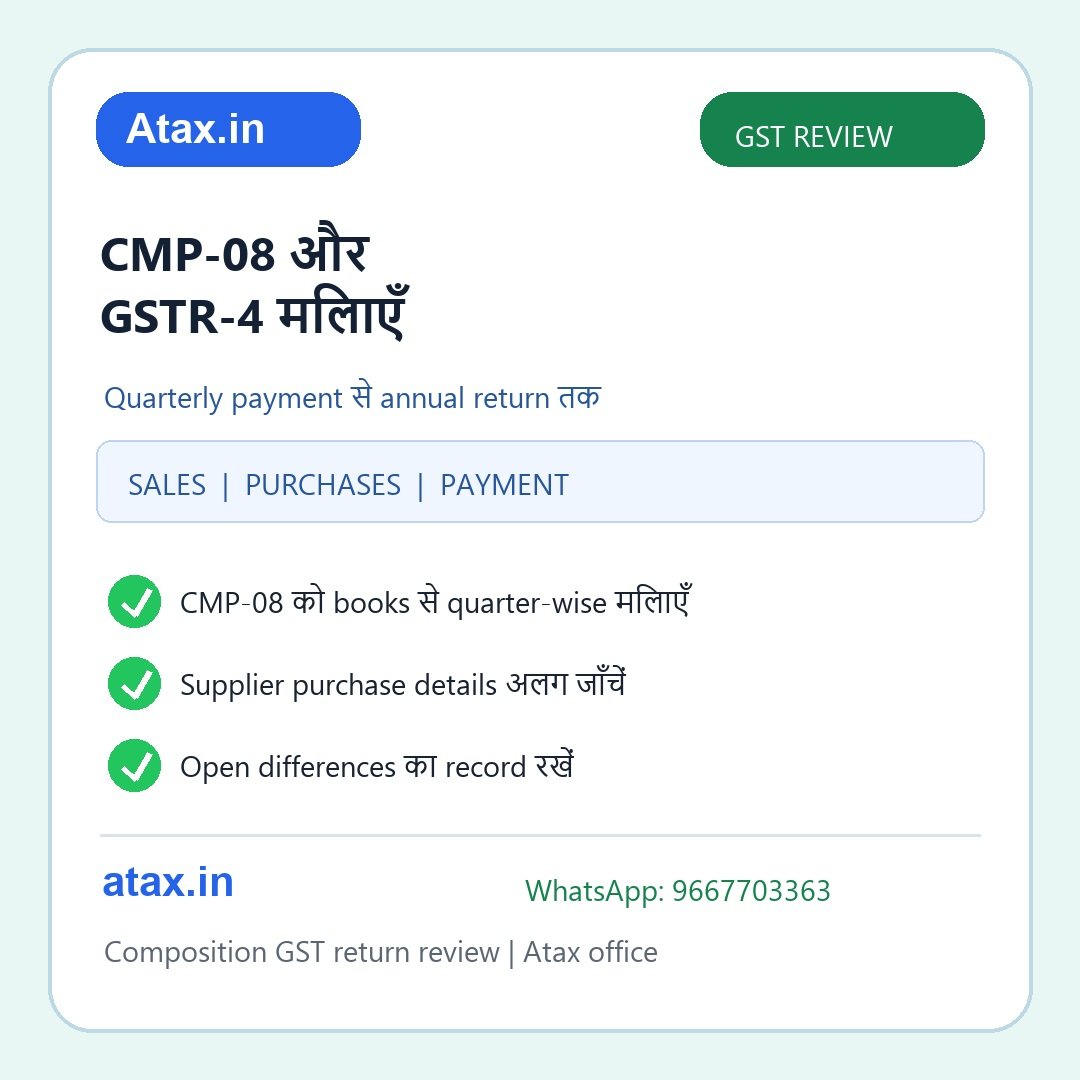
दोनों forms को अलग समझें
CMP-08: Composition taxpayer quarterly basis पर outward supply/payment की summary देता है। हर quarter की filed form, payment record और books की sales working को साथ रखें।
GSTR-4: यह annual return है। GST Portal की utility में वर्ष के CMP-08 data, supplier से आए कुछ purchase details, reverse-charge/import जैसी लागू entries और अन्य relevant information की review हो सकती है। अपने case में कौन-सी details भरनी हैं, यह current form, taxpayer की स्थिति और portal validation देखकर तय करें।
एक form में total भर देने से दूसरे form की जाँच अपने-आप पूरी नहीं होती। Annual return से पहले quarter-wise bridge बनाना सबसे आसान तरीका है।
फाइल खोलने से पहले ये records इकट्ठा करें
- साल के सभी filed CMP-08 और payment/challan acknowledgements।
- Quarter-wise sales register, bill of supply, credit notes और cancellation/return records।
- GST Portal से GSTR-4 और उपलब्ध GSTR-4A/4B summaries या downloaded data।
- Registered suppliers की purchase invoices और supplier-wise purchase register।
- Reverse-charge या import of service से जुड़े invoices और payment working, जहाँ लागू हों।
- GST Portal पर दिख रहे TDS/TCS credit और संबंधित statements, जहाँ आपके मामले में लागू हों।
- Accounting ledger, bank entries और पहले की correction/adjustment notes।
Quarter से annual return तक मिलान का क्रम
- हर CMP-08 को उसकी quarter से जोड़ें: Filed acknowledgement, reported outward supply और payment details को sales register से मिलाएँ। अलग-अलग quarters को एक total में जोड़ने से पहले period errors ढूँढें।
- बिक्री का आधार जाँचें: Bill of supply, sales register, credit note, cancelled order और books entry को quarter-wise देखें। राशि का अंतर मिले तो invoice date, correction और reporting period का reference लिखें।
- Annual portal summary डाउनलोड करें: GST Portal पर उपलब्ध GSTR-4 draft/summary और supplier-derived details देखें। कौन-सी table auto-populated है और कौन-सी taxpayer को भरनी है, यह form की current instructions से पहचानें।
- Purchases को invoice से मिलाएँ: GSTR-4A/4B जैसी available summaries को purchase register और supplier invoice से compare करें। देर से upload या संशोधित invoice दिखे तो उसका period note करें; portal summary को बिना source check स्वीकार न करें।
- अलग प्रकृति की entries अलग रखें: Reverse-charge supplies, import of services और TDS/TCS credits को सामान्य local purchase या sales total में न मिलाएँ। आपके case में लागू table और treatment जाँचें।
- एक reconciliation sheet बनाएँ: CMP-08 quarter, books figure, annual-return figure, difference, कारण और supporting document का column रखें। Filing से पहले open items पर accountant/Atax office से review लें।
एक practical उदाहरण
मान लीजिए व्यापारी की sales register में किसी quarter की बिक्री ₹4,80,000 है, लेकिन CMP-08 की saved working में ₹4,50,000 दिख रही है। पहले ₹30,000 का invoice, credit note, cancellation या अगले quarter में हुई reporting खोजें। फिर यह जाँचें कि difference सिर्फ period का है या books entry भी छूटी है। केवल annual total बराबर करने के लिए किसी दूसरी quarter में रकम डालना सही समाधान नहीं; हर correction का document trail होना चाहिए।
अक्सर दिखने वाली उलझनें
- Quarter की sales को अलग periods में report करके annual total तो मिलाना, लेकिन quarter-wise record न रखना।
- Credit note या cancelled bill को sales register में दर्ज करना पर return working से जोड़ना भूल जाना।
- Supplier details auto-populate देखकर invoice और purchase register review न करना।
- Reverse charge या import entries को सामान्य purchase में मिला देना।
- Payment/challan entry books में दर्ज है लेकिन portal status या filed CMP-08 acknowledgement से confirm नहीं की।
- Portal validation message को समझे बिना number बदलकर return पूरा करना।
अक्सर पूछे जाने वाले सवाल
क्या GSTR-4 में auto-filled data को बिना जाँच स्वीकार कर सकते हैं?
नहीं। Portal data को supplier filing और उपलब्ध records से compare करें। GST Portal की utility downloaded/auto-drafted details देखने में मदद करती है; आपकी invoice और books reconciliation की जिम्मेदारी फिर भी रहती है।
क्या CMP-08 और annual GSTR-4 में figures अलग हो सकते हैं?
किसी period, correction, credit note या source record के कारण difference दिख सकता है। पहले उसका कारण और supporting document पता करें; बिना जाँच उसे केवल total match करने के लिए adjust न करें।
क्या हर composition taxpayer को हर table भरनी होती है?
हर table हर व्यक्ति पर लागू नहीं होती। Financial year, registration status, transaction type और current portal form देखकर आवश्यक details तय करें।
Filed CMP-08, sales-purchase registers, invoices, payment proof और portal की GSTR-4 summary साथ रखें। Atax office में quarter-wise reconciliation, open mismatch list और annual return working की document-based review लें। WhatsApp: 9667703363.
आधिकारिक संदर्भ: CBIC Composition Rules, GST Portal की GSTR-4 Annual Return utility guidance, और GST Portal की CMP-08 तथा GSTR-4 data summary सुविधा। अपना financial year, लागू tables और filing instructions portal पर वर्तमान रूप में verify करें।