

Refund न आने पर पहले पता करें: return अभी process हो रही है, refund fail हुआ है, या रकम adjust हुई है?
ITR में refund दिखने के बाद खाते में पैसा न दिखे तो घबराकर वही return दोबारा file न करें। पहले portal पर return का processing status और refund की स्थिति देखें। कारण अलग-अलग हो सकता है: return अभी process हो रही हो, refund जारी होकर बैंक में fail हुआ हो, चुना हुआ खाता validate न हो, या refund किसी outstanding demand के विरुद्ध adjust हुआ हो। हर स्थिति का अगला कदम अलग है।
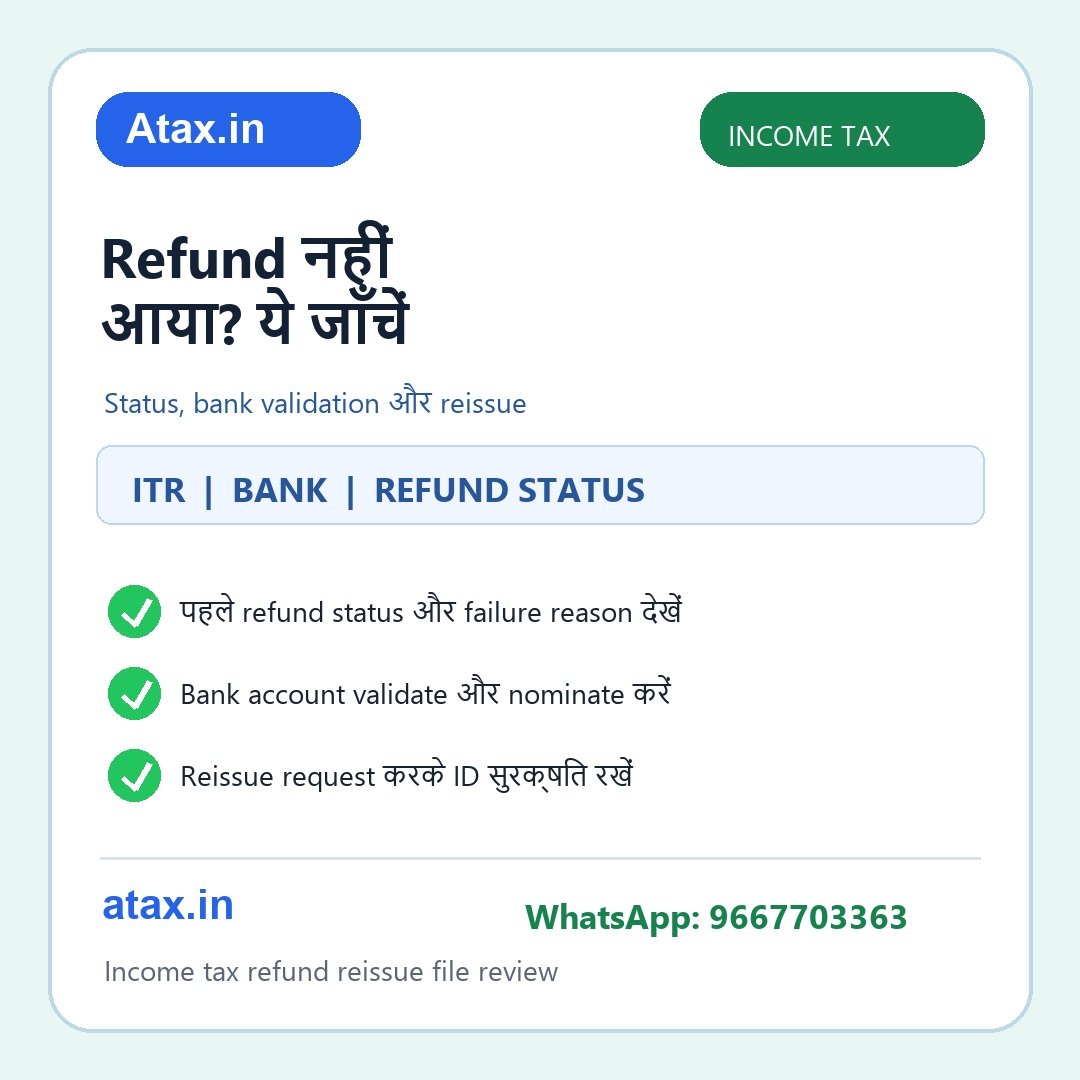
चार मिनट की पहली जाँच
- Return status: e-Filing account में संबंधित assessment year की filed return और processing/intimation स्थिति देखें। सिर्फ ITR में अनुमानित refund दिखना, bank में refund जारी होने की पुष्टि नहीं है।
- Refund status और कारण: portal पर refund जारी, pending, failed या adjusted है, यह अलग से देखें। यदि adjustment का संदेश है, संबंधित intimation और demand details पढ़ें; केवल bank account बदलने से यह कारण नहीं सुलझेगा।
- Bank account: My Bank Account में account number, IFSC, account active status और validation देखें। चुना/nominate किया हुआ account वही है जिसमें पैसा चाहते हैं, यह सुनिश्चित करें। PAN-bank linking या नाम/विवरण की समस्या हो तो bank और portal में सही जानकारी की जाँच करें।
- संदेश और प्रमाण: portal का status, bank validation screen, ITR acknowledgement, intimation और refund failure reason सुरक्षित रखें। SMS या email के link से login न करें; e-Filing portal स्वयं खोलें।
अगर refund सचमुच fail हुआ है: Reissue के कदम
Income Tax Department के Refund Reissue manual के अनुसार यह सेवा उस स्थिति के लिए है जहाँ ITR filed है और refund failure हुआ है। पोर्टल में validated bank account आवश्यक है। Login के बाद Services → Refund Reissue खोलें, उपलब्ध failed refund record चुनें, validated account चुनकर e-Verification करें। सफल request का transaction ID/acknowledgement सुरक्षित रखें और उसी पेज पर request status देखते रहें। नया account चाहिए तो पहले portal के My Bank Account में जोड़ें और validation पूरा होने दें; unvalidated account reissue विकल्प में उपलब्ध नहीं भी हो सकता।
अगर bank validation fail है, account बंद है, या नाम/IFSC/account number में गलती है, पहले कारण ठीक करें और account revalidate करें। Portal की वर्तमान screen और आपके case की eligibility अंतिम होगी। Reissue request तभी भेजें जब status refund failure दर्शाता हो; processing pending होने पर जल्दबाजी में दूसरी request न बनाएँ।
एक छोटा उदाहरण
राहुल की ITR में ₹8,400 refund calculate हुआ, पर पैसा नहीं आया। Portal पर return processed है और refund failed दिखता है; bank account validation pending है। सही क्रम होगा: account details जाँचना, portal की bank validation प्रक्रिया पूरी करना, validated account चुनना और failed record के लिए Refund Reissue request को e-Verify करना। यदि portal कहता है “refund adjusted against demand”, तो राहुल को पहले उस intimation को पढ़कर demand से जुड़ी कार्रवाई देखनी होगी—केवल bank account revalidate करना पर्याप्त नहीं होगा।
आम सवाल
क्या refund देर से आने पर reissue request कर दूँ?
नहीं, पहले status देखें। Reissue manual failed refund के लिए है; केवल processing pending होना failure नहीं माना जाना चाहिए।
क्या कोई भी bank account चुन सकता हूँ?
Reissue screen पर validated accounts दिखते हैं। दूसरा account चाहिए तो पहले add/validate करें और फिर उपलब्ध विकल्प के अनुसार चुनें।
क्या refund status “issued” है, पर credit नहीं हुआ?
Portal status और bank statement/reference मिलाएँ। Failure reason उपलब्ध हो तो उसी के अनुसार अगला कदम लें; जरूरत पड़े तो bank और portal support के लिए reference details रखें।
Request करने के बाद क्या संभालकर रखें?
Transaction ID, e-Verification confirmation, selected account का status और request tracking details।
ITR acknowledgement, processing intimation, refund status/failure message और bank-validation details साथ रखें। Atax office में हम return और portal record का मिलान कर सही अगला कदम पहचानने में मदद करेंगे। समीक्षा के लिए WhatsApp करें: 9667703363.
Portal की eligibility और आपके account की स्थिति निर्णायक है। आधिकारिक निर्देश: Income Tax Department Refund Reissue User Manual तथा My Bank Account User Manual.