

Tax challan pay करने के बाद भी ITR में payable दिखे तो challan mapping check करें
कई taxpayers Self Assessment Tax pay कर देते हैं, लेकिन ITR utility या portal में फिर भी tax payable दिखता है। अक्सर reason challan CIN, BSR code, payment date, assessment year, amount या credit update mismatch होता है। Filing submit करने से पहले challan details properly match करना जरूरी है।
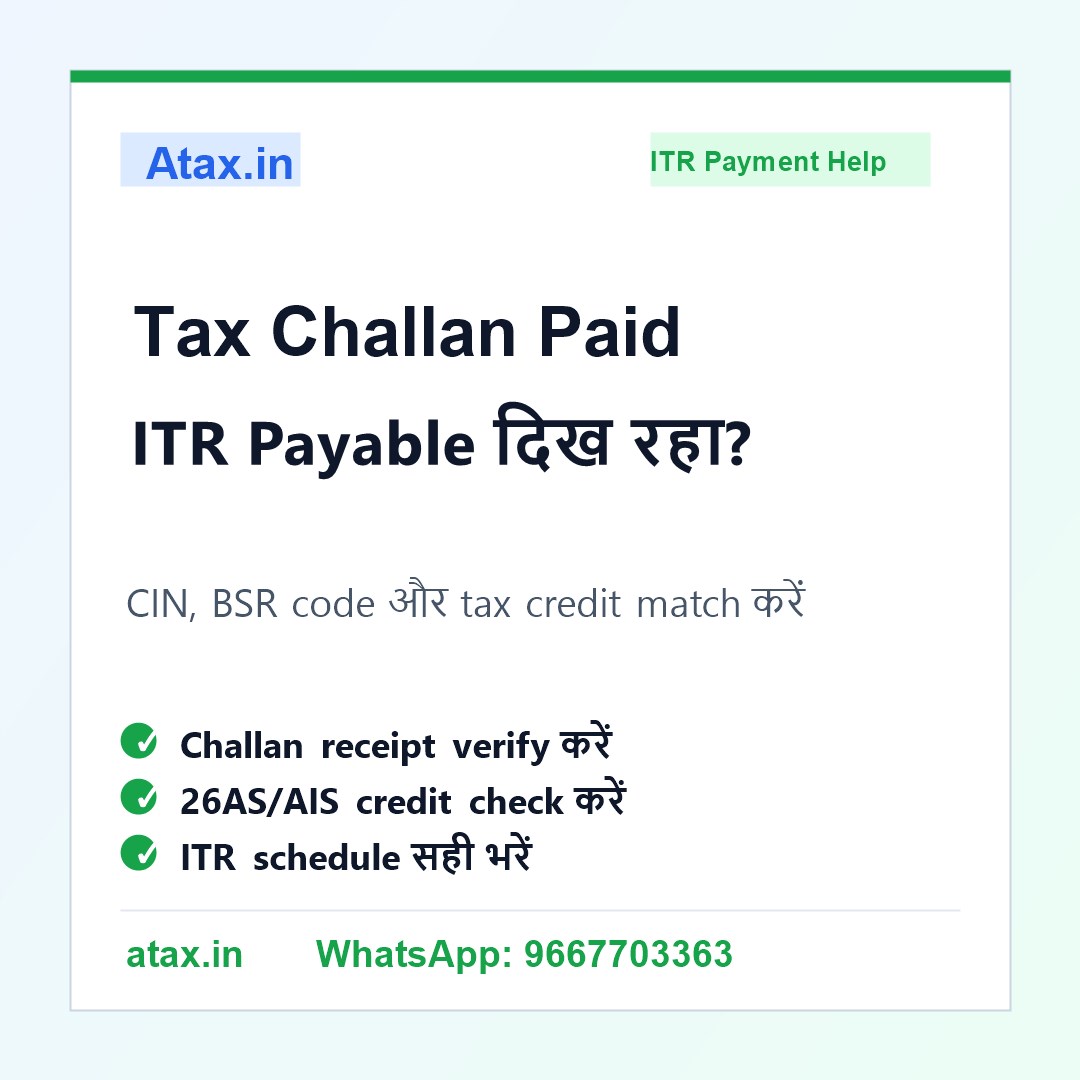
यह problem कब आती है?
ITR filing के time tax payable दिखा, आपने challan भर दिया, लेकिन return में payment reflect नहीं हुआ। कभी challan सही होता है लेकिन portal update pending होता है, और कभी challan entry wrong assessment year या wrong code में चली जाती है। दोनों cases में filing से पहले review जरूरी है।
- Challan paid है लेकिन ITR में tax payable दिख रहा है
- 26AS/AIS में challan credit नहीं दिख रहा
- CIN/BSR code या challan date गलत enter हुई है
- Wrong assessment year में payment हो गया है
- Refund/demand calculation समझ नहीं आ रही
Filing से पहले practical checklist
1. Challan receipt संभालें: CIN, BSR code, challan serial number, payment date और amount clearly note करें।
2. Assessment year verify करें: सबसे common mistake wrong assessment year payment है। ITR year से challan year match करें।
3. 26AS/AIS credit check करें: Payment credit updated है या pending, यह portal records से verify करें।
4. ITR में challan details भरें: Self Assessment Tax schedule में exact challan details enter करें। Round-off या typo mismatch create कर सकता है।
5. Final tax/refund computation देखें: Challan add करने के बाद final payable/refund figure logically match होनी चाहिए।
Common mistake जो demand बना सकती है
कई लोग challan pay करके return submit कर देते हैं लेकिन challan details ITR में सही नहीं भरते। दूसरी गलती payment screenshot को proof मान लेना है, जबकि ITR computation में challan mapping जरूरी है। गलत mapping से बाद में demand notice या refund delay हो सकता है।
FAQ
Q1. Challan paid है, फिर भी ITR payable क्यों दिखा रहा है?
Challan portal पर update pending हो सकता है, details गलत enter हो सकती हैं, या payment wrong assessment year/code में हो सकता है।
Q2. क्या challan receipt काफी proof है?
Receipt important है, लेकिन ITR में correct CIN/BSR/date/amount mapping भी जरूरी है।
Q3. Wrong assessment year में payment हो गया तो क्या करें?
Case-wise correction/challan rectification options check करने पड़ते हैं। जल्द review करना बेहतर है।
Q4. Atax office क्या help कर सकता है?
Atax.in challan receipt, 26AS/AIS, tax computation और ITR schedule review करके सही filing/payment mapping में help कर सकता है।