

Accounting data missing हो तो पहले available records से recovery map बनाएं
कई छोटे businesses में Tally backup corrupt हो जाता है, Excel file delete हो जाती है, accountant बदल जाता है या पुरानी books incomplete मिलती हैं। इसका मतलब यह नहीं कि books final नहीं हो सकतीं। Bank statement, GST returns, invoices, UPI/POS reports और purchase bills से records फिर से rebuild किए जा सकते हैं।
Data missing होने पर कौन सी problem आती है?
Books missing हों तो GST return, ITR filing, loan documents, outstanding payment और profit calculation सब प्रभावित होते हैं। पहले यह समझना जरूरी है कि कौन सा period missing है और कौन से source documents available हैं।
- Tally backup open नहीं हो रहा
- Excel accounting file delete/corrupt है
- Sales register और purchase register incomplete हैं
- Bank statement तो है लेकिन ledger नहीं है
- GST returns filed हैं लेकिन books match नहीं हैं
- Customer/supplier outstanding clear नहीं है
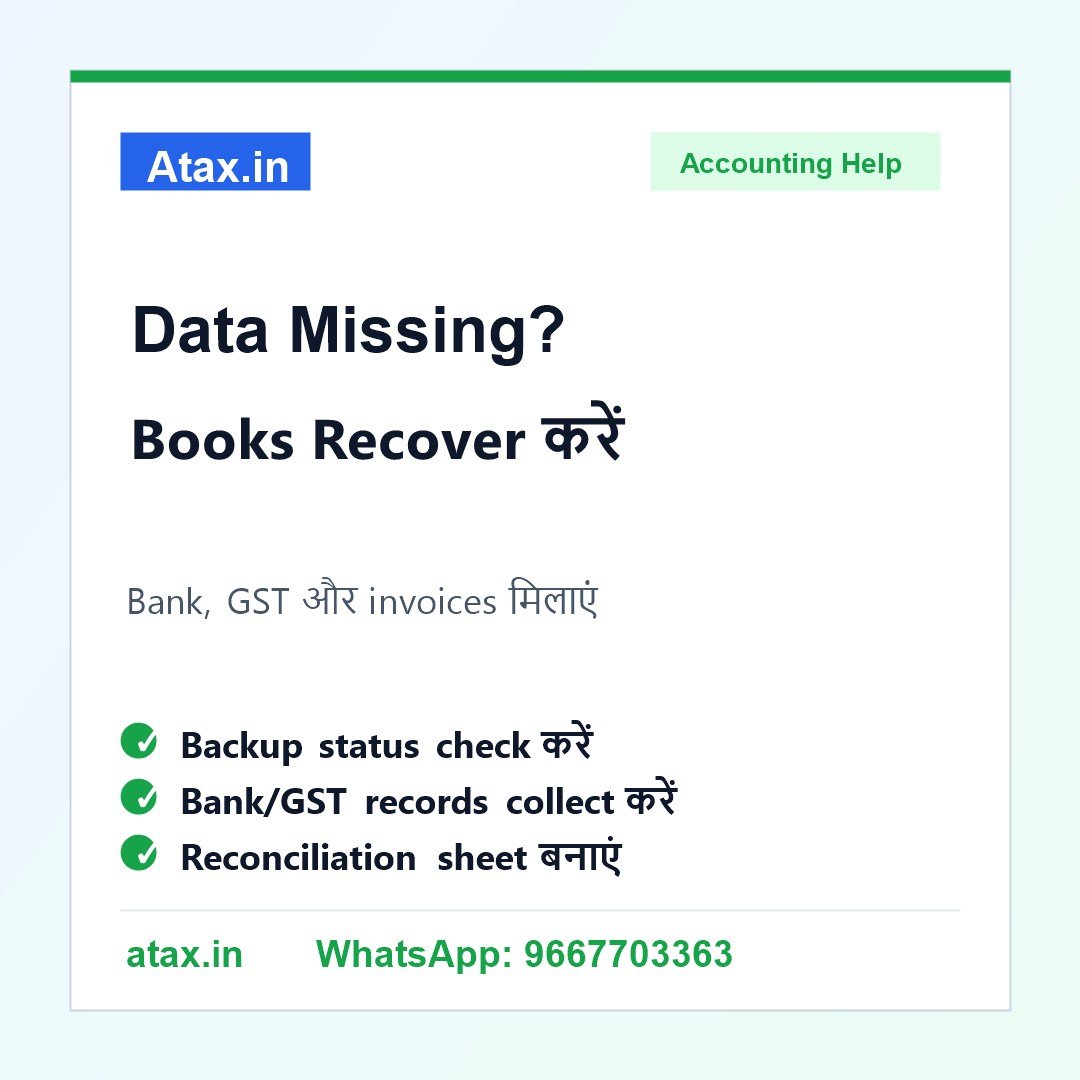
Books recover करने की practical checklist
1. Period define करें: कौन सा month/year missing है, opening balance कहां तक available है, यह पहले note करें।
2. Bank statement collect करें: Current account, savings account, UPI/POS settlement और cash deposit details को month-wise arrange करें।
3. GST returns download करें: GSTR-1, GSTR-3B, 2B, sales summary और tax payment details से turnover और ITC base मिल सकता है।
4. Bills और invoices collect करें: Sales invoices, purchase bills, expense proofs, rent, salary, EMI और supplier payment records अलग करें।
5. Reconciliation sheet बनाएं: Bank, GST, invoices और ledgers को match करके missing entries, personal entries और adjustment entries अलग करें।
एक practical example
मान लीजिए trader की Tally file April से September तक corrupt हो गई है। Bank statement और GST returns available हैं, लेकिन purchase bills आधे missing हैं। ऐसे case में bank payments, 2B data, supplier statements और available invoices से purchase ledger rebuild किया जा सकता है। फिर sales, GST liability और profit को reconcile किया जाता है।
कौन सी गलती avoid करें?
Missing data में अनुमान से profit डालना, all bank credits को sales मान लेना, personal payments को expense बना देना या GST returns से books बिना reconciliation copy करना गलत हो सकता है। Recovery में source-wise proof और notes maintain करना जरूरी है।
Atax office में कैसे help मिलती है?
Atax.in आपकी bank statements, GST returns, invoices, purchase bills, UPI/POS reports, supplier/customer statements और available Tally/Excel backups review करके recovery plan बना सकता है। जरूरत के हिसाब से books cleanup, reconciliation summary और ITR/GST-ready records prepare किए जा सकते हैं।
FAQ
Q1. Tally backup corrupt है, क्या books recover हो सकती हैं?
अगर bank statement, GST returns, invoices और bills available हैं तो records rebuild किए जा सकते हैं। Exact quality documents पर depend करती है।
Q2. Excel file delete हो गई है तो क्या करें?
Available bank, GST, invoice, UPI/POS और supplier records collect करें। फिर period-wise reconstruction करें।
Q3. Purchase bills missing हैं तो profit कैसे निकलेगा?
Supplier statements, bank payments, 2B data और available bills से purchase ledger review किया जा सकता है।
Q4. Atax कौन से documents review करेगा?
Bank statements, GST returns, invoices, purchase bills, UPI/POS reports, supplier/customer statements और old backup files review किए जा सकते हैं।